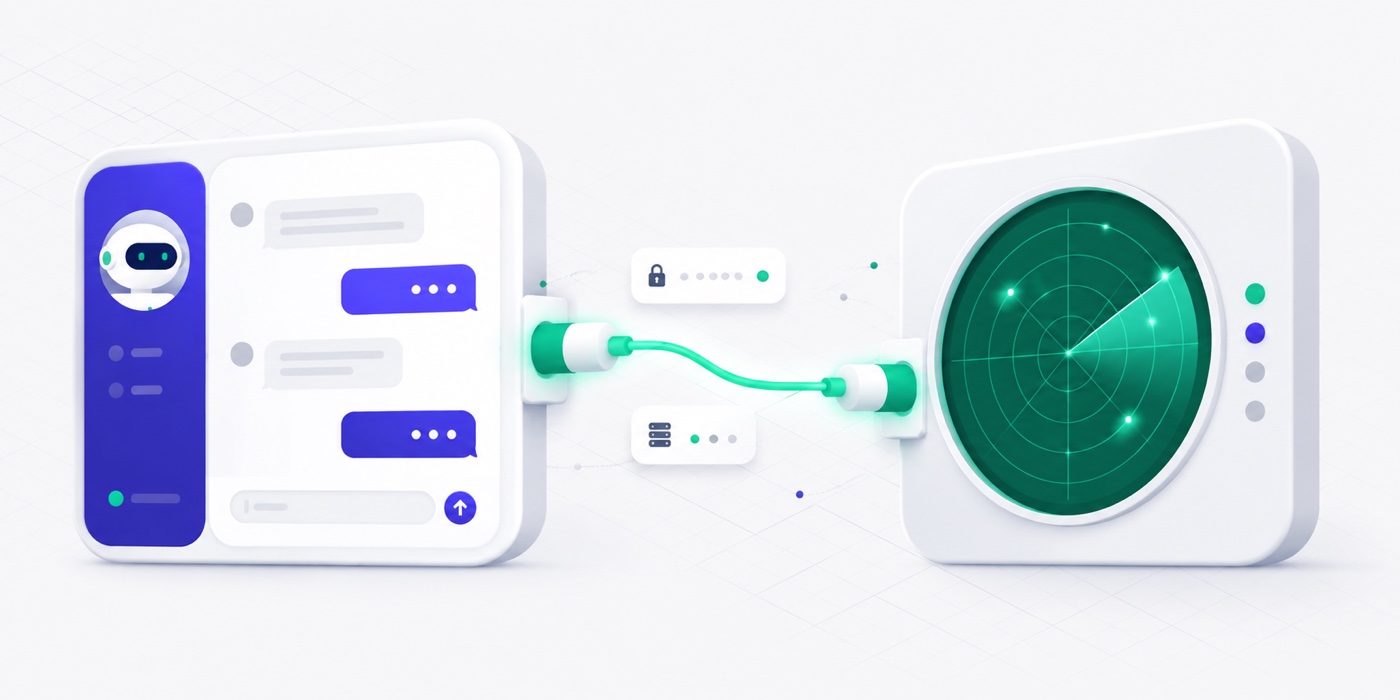
AppAnalizer exposes an MCP server so you can ask Claude for your next Shopify app idea — qualified, ranked, and argued from live App Store data. It is a Business-plan feature. The fastest way to connect Claude takes about two minutes and no API key at all.
1. Connect Claude (recommended)
Claude on web, desktop, and mobile connects over OAuth — you sign in to AppAnalizer and approve access, so there is no key to copy or store. In Claude, open Settings → Connectors → “Add custom connector” and paste this server URL:
https://wlzdpvqfcedcfrawqnas.supabase.co/functions/v1/mcp-api
Click Connect, sign in to AppAnalizer (or create your account), then press Authorize. That’s it — Claude is connected. You can revoke access anytime from the Connected clients section of your account.
2. Claude Code, Cursor & other clients (API key)
Clients that don’t support OAuth authenticate with an API key. On your account page, generate one — it is shown once, so copy it right away — then paste the matching snippet and replace <YOUR_API_KEY> with it.
Claude Code
claude mcp add --transport http appanalizer "https://wlzdpvqfcedcfrawqnas.supabase.co/functions/v1/mcp-api" --header "Authorization: Bearer <YOUR_API_KEY>"
Cursor & other clients
{
  "mcpServers": {
    "appanalizer": {
      "url": "https://wlzdpvqfcedcfrawqnas.supabase.co/functions/v1/mcp-api",
      "headers": {
        "Authorization": "Bearer <YOUR_API_KEY>"
      }
    }
  }
}
3. Ask for ideas
Try: “Use appanalizer to find 10 Shopify app ideas, then dig into the best niche.” The MCP returns ten qualified ideas with the signals behind each — then keep the conversation going. For the full walkthrough of how it works, read Find Shopify App Ideas in Claude with AppAnalizer MCP, or browse the data yourself in the app explorer and the categories view.
Beyond ideas, you can ask Claude to:
- Rank apps by growth, review count, or rating within a category or feature — “show me the fastest-growing apps in Shipping this month.”
- Surface real complaints — the latest one- and two-star reviews for an app, category, or feature, straight from App Store data.
- Find an app’s closest competitors — ranked by how much they actually overlap in categories and features, with the signals that set each one apart.
FAQ
Do I need an API key?
Not for Claude. Connecting over OAuth signs you in and asks for your approval — no key to copy or store. Claude Code and Cursor authenticate with an API key generated from your account.
Why only 10 ideas at a time?
The value is the conversation: qualify a batch, validate a niche, then dig in. Ask for more with different filters anytime.
Can I disconnect later?
Yes. Open your account page and revoke the connection under "Connected clients" — access stops immediately.
Do I need to code?
No. In Claude, adding a custom connector is copy-paste plus a sign-in. Claude Code and Cursor use a single command or config block.